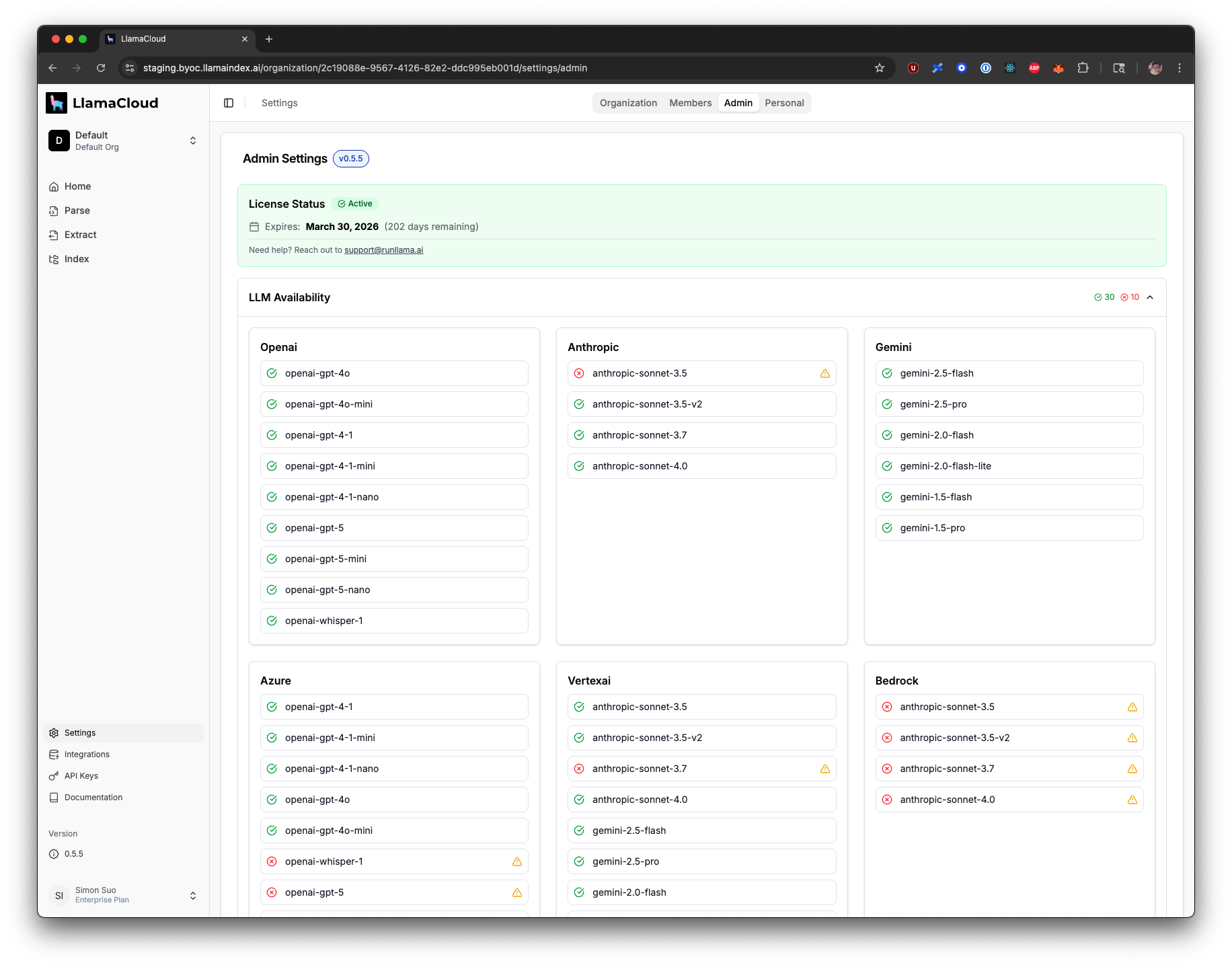
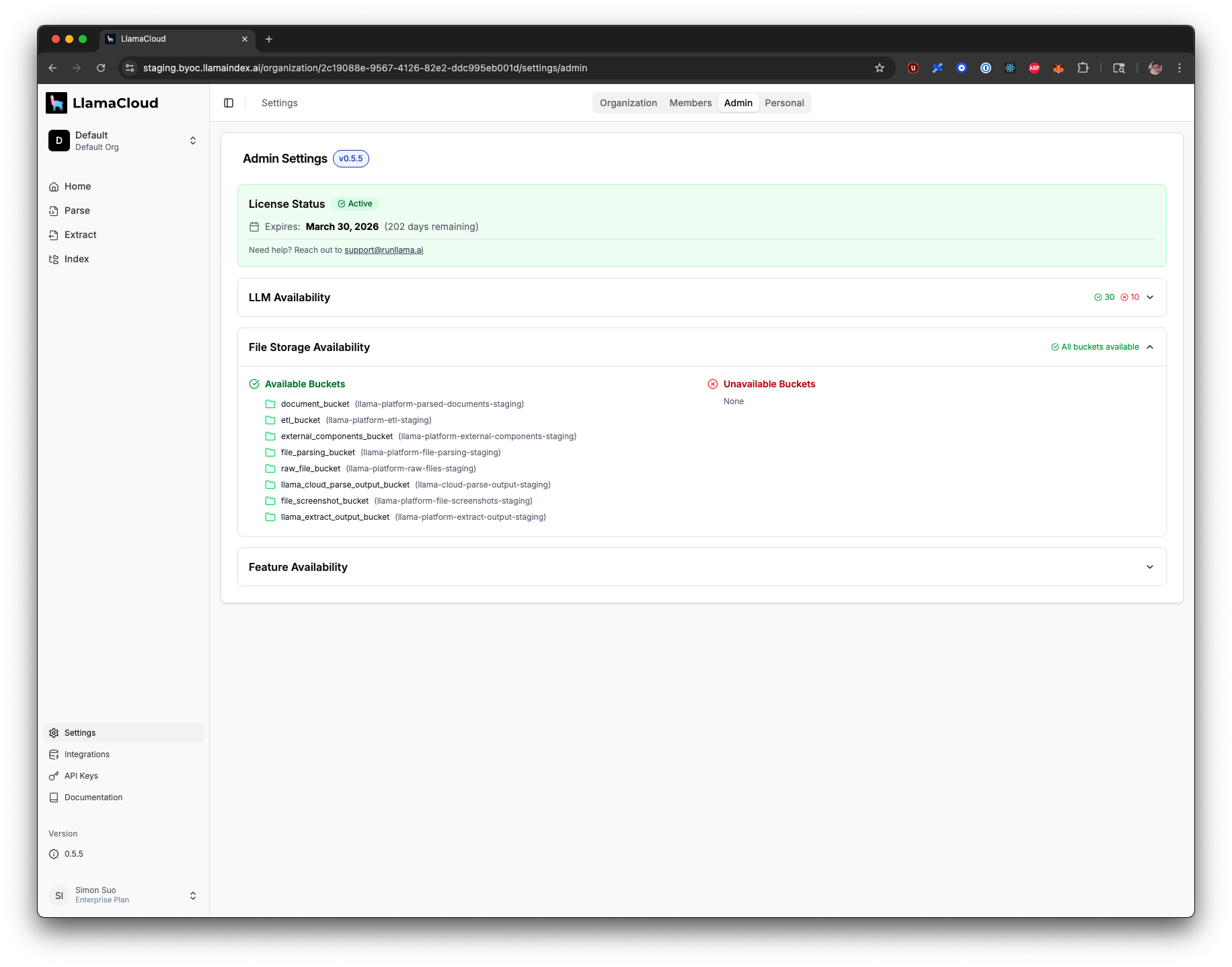
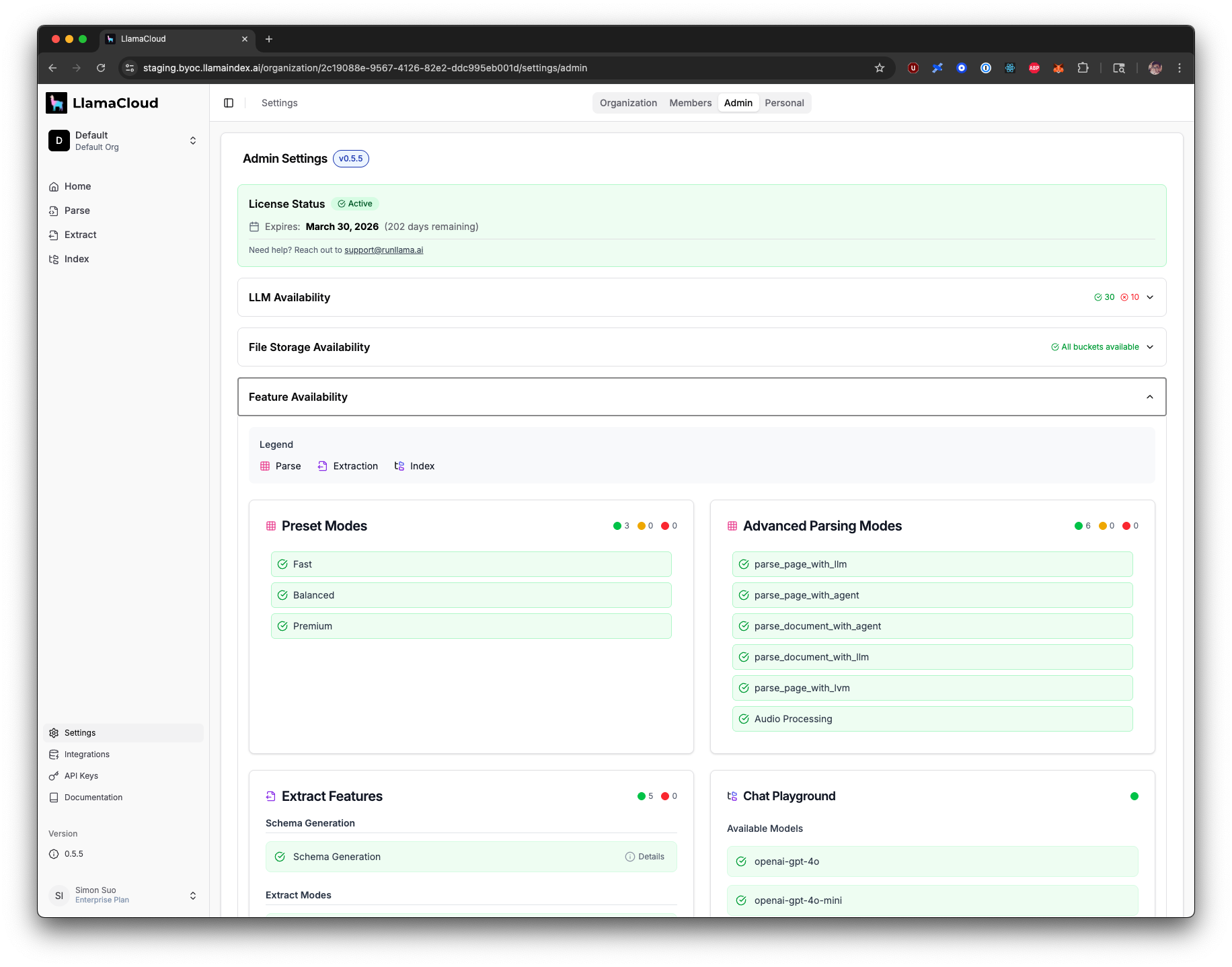
Verify a self-hosted LlamaCloud deployment on Azure by checking pod status, Entra ID authentication, the admin UI license/LLM/storage panels, and a test parse job.
Self-Hosting Documentation Access
This section requires a password to access.
Interested in self-hosting? Contact sales to learn more.
Self-Hosting Documentation Access Granted
This guide helps you verify that your LlamaCloud deployment on Azure is working correctly. Follow these steps after completing the Azure Setup Guide.
If you encounter any issues during validation, see the Troubleshooting Guide for solutions to common problems.
Once validation is complete, your Azure LlamaCloud deployment is ready for use!
Note for AI agents: this documentation is built for programmatic access.
- Overview of all docs: https://developers.llamaindex.ai/llms.txt
- Any page is available as raw Markdown by appending index.md to its URL — e.g. https://developers.llamaindex.ai/llamaparse/parse/getting_started/index.md
- Agent-friendly REST search APIs live under https://developers.llamaindex.ai/api/ — search (BM25 full-text), grep (regex), read (fetch a page), and list (browse the doc tree). See https://developers.llamaindex.ai/llms.txt for parameters.
- A hosted documentation MCP server is available at https://developers.llamaindex.ai/mcp. If you support MCP, you can ask the user to install it for browsing these docs directly (an alternative to the REST API). Setup: https://developers.llamaindex.ai/for-agents/mcp/
- Other LlamaIndex tooling for agents — the LlamaParse Platform MCP server, agent skills and plugins, and the n8n node — is mapped at https://developers.llamaindex.ai/for-agents/